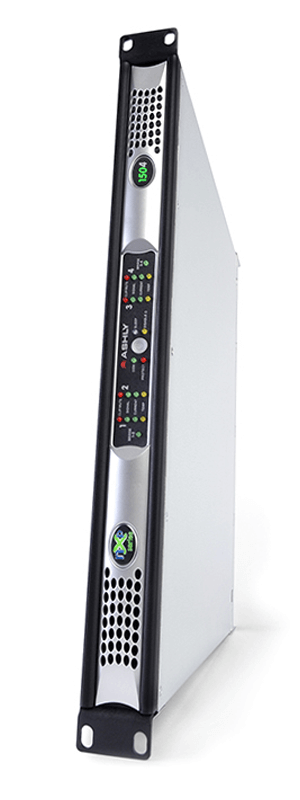
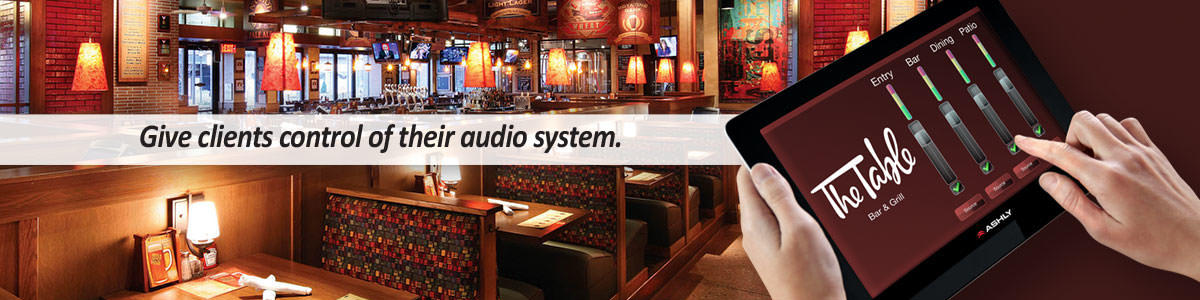
Ashly Remote is a powerful app used to design and deploy custom remote control interfaces for Net*Work*Able Ashly products over WiFi.
Design your own custom remote interface and take full control of your Ashly products from one centralized location. Each interface can be tailored to a specific installation, allowing you to add system-specific components such as faders with custom text labels, toggle switches, and visual elements including client logos or themed background images.
This flexible design approach is ideal for a wide range of applications, including environments that require sound masking, paging, or background audio control. You can also import previous interface designs to speed up deployment, ensuring you never have to create the same remote interface twice.
Choose from a variety of control functions. The following control functions are available, along with read-back labels for displaying status during use: Preset, Recall Gain, Attenuation Control, Mute Control, AB Source Select, Logic output, Meter, Amplifier Standby, to name a few.
Saving your design. When your design is complete, name and save your client’s interface to Ashly Remote’s shared folder. When you’re ready to deploy, prepare your client’s iPad by simply transferring the saved text file to their Ashly Remote’s shared folder via iTunes. Once the remote is opened, load the profile and activate.
Hand over the keys. Once your client’s interface is ready for use with their new system, security features saved within your design locks out access to your design―preventing further editing from the client’s interface. Simple and easy to understand, Ashly Remote gives your client the power to control their environment with a wireless remote interface with a common and familiar tool.
| Version | iTunes | Brochure | Overview | QuickStart | Help File |
|---|---|---|---|---|---|
| Ashly Remote 2.06 | Download | Download | Download | Download | Download |


 Audio professionals find our software very intuitive—and you will too.